You Do Not Need to Be Online All Day to Stay Visible
Stay visible without being online all day with a practical, human-approved content workflow using your expertise, a Digital Twin, AI avatars, and voice cloning.
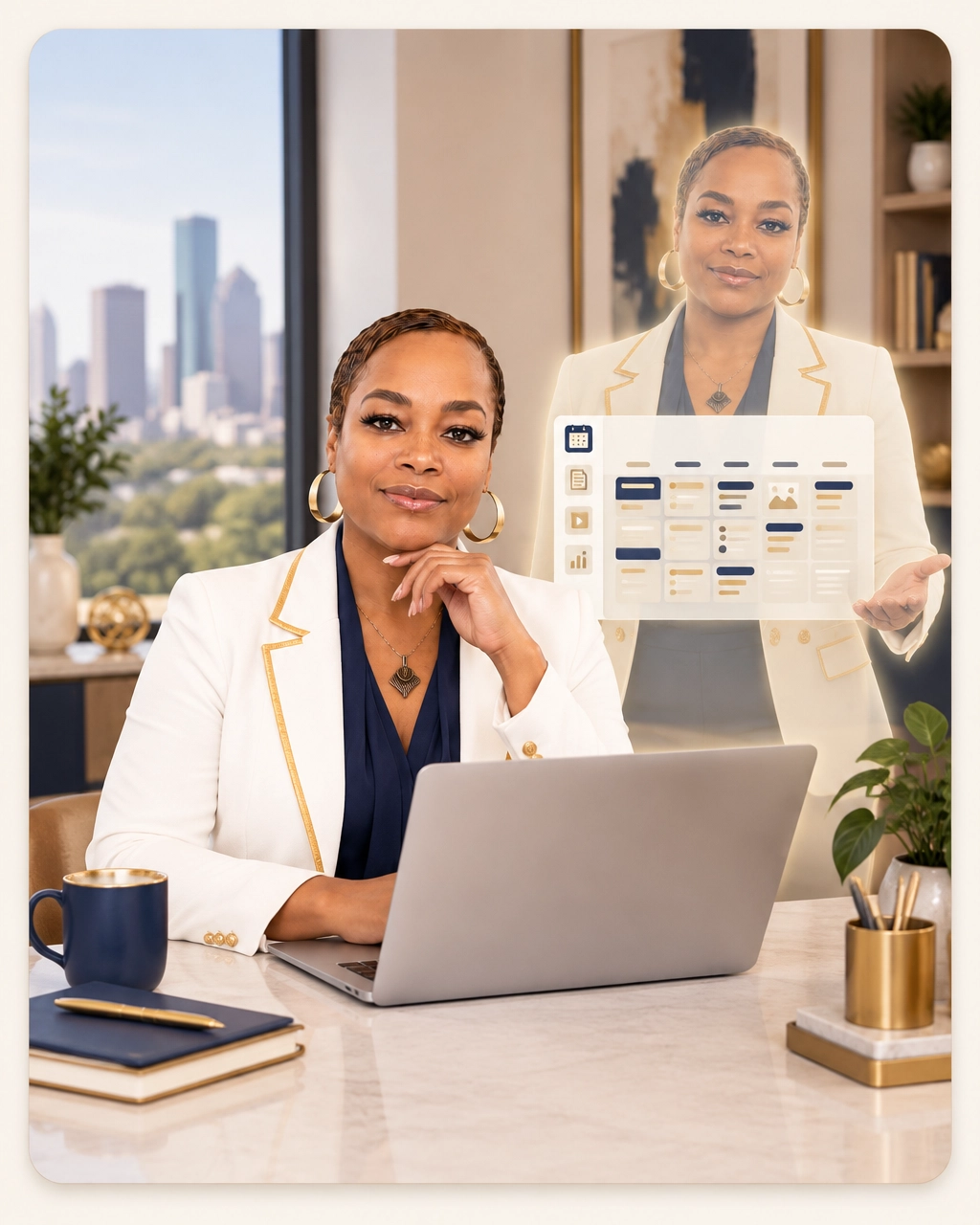
Your business can be busy, useful, and growing, yet still look quiet online.
That happens when visibility depends on you personally being available every day to write, record, edit, publish, respond, and repeat. You may have plenty of expertise, but your audience does not always see it because the work of sharing it takes more time than you have.
You can stay visible without being online all day. The answer is not to post more randomly. It is to build a practical content system that combines your judgment with the right AI tools.
That can include an AI avatar, voice cloning, content repurposing, and a human approval process that keeps your message accurate and personal.
Constant online activity is not the same as visibility
Many business owners confuse visibility with activity.
They check social media throughout the day. They respond to comments between meetings. They try to create a video whenever they have a few spare minutes. They save ideas in different apps and hope they will remember to use them later.
This creates a lot of motion without a dependable system.
Visibility is easier to manage when you have a clear message, a small group of useful topics, and a repeatable way to turn your expertise into content. You do not need to share every thought. You need to make your most useful ideas easier to find.
For example, a consultant may repeatedly explain how a new client should prepare for an engagement. A speaker may answer the same questions before every event. A coach may teach the same foundational concepts during many discovery calls.
Those ideas can become a content library instead of disappearing after each conversation.
What staying visible can look like during a normal week
A realistic visibility routine does not require you to spend several hours online every day.
Monday: Choose the ideas
Set aside 30 to 45 minutes to identify the questions, concerns, and lessons you want to address that week.
Choose three to five topics. These might include a common client mistake, a process explanation, a short lesson from your work, or an answer to a question you hear often.
Your role is to provide the experience and point of view. AI can help organize those ideas into outlines and draft scripts, but the message should begin with you.
Tuesday: Review and approve the scripts
Review the drafts when you have a quiet block of time.
Remove anything that sounds unlike you. Add a personal example, clarify a statement, and make sure the advice reflects your current services and standards.
This step matters. AI should help you move faster, but it should not publish ideas you have not reviewed.
Wednesday: Create the video content
This is where an AI avatar and voice clone can support your workflow.
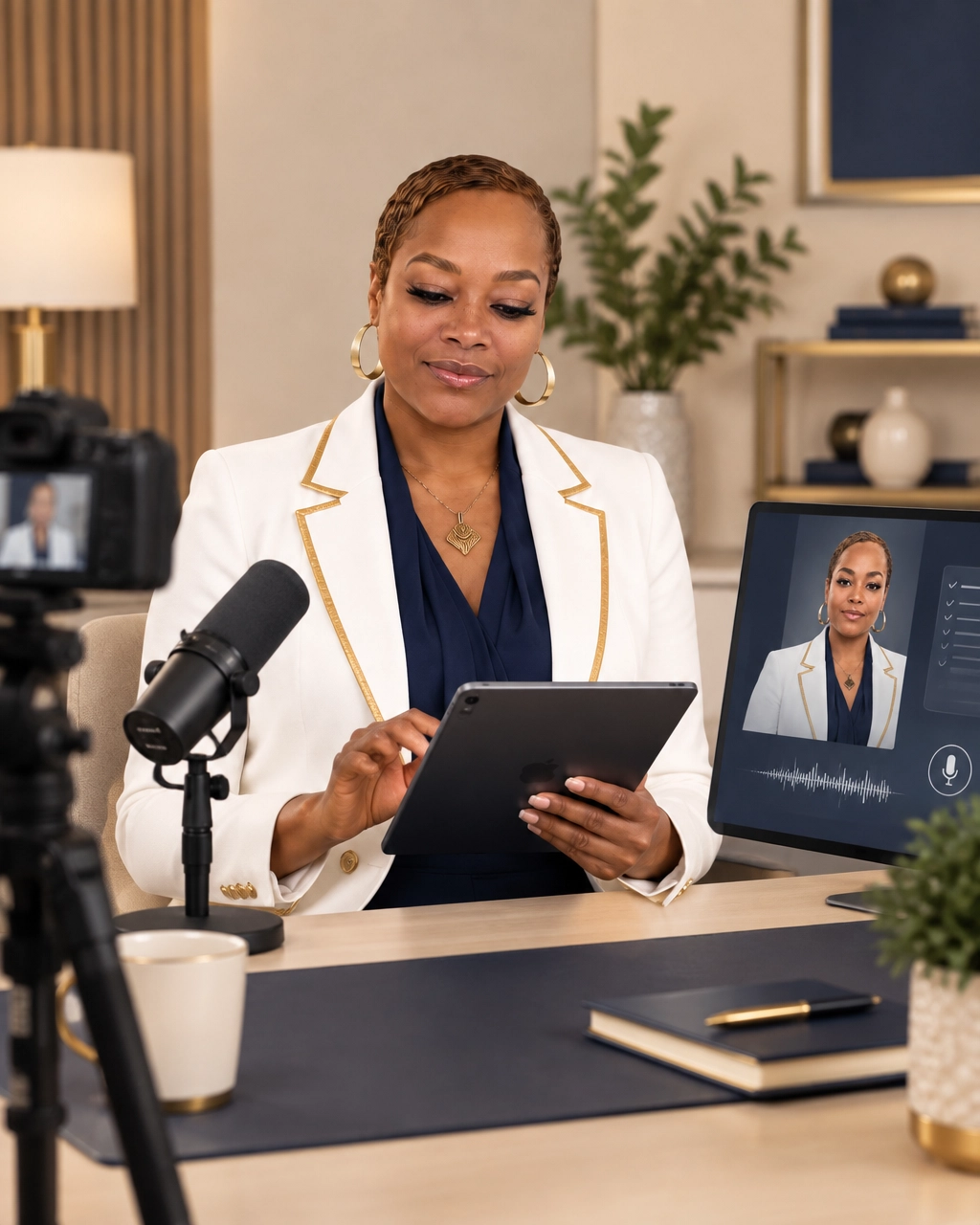
Instead of setting up your camera and recording every short educational video, you can use an approved script with your digital twin. The avatar can present the lesson using a digital version of your appearance, while the voice clone delivers the message in a version of your voice.
You still choose the topic, approve the wording, and decide whether the content is appropriate for your audience.
Thursday: Repurpose the core idea
One approved video can become several useful pieces of content.
You might turn it into:
- A short AI avatar video
- A LinkedIn or social media post
- A brief email lesson
- A frequently asked question for your website
- A longer article or conversation starter
- A talking point for a future workshop
The goal is not to repeat the same sentence everywhere. The goal is to adapt one strong idea for different ways people learn.
Friday: Add a human touch
Use some of your time for direct communication.
Record a personal video. Respond to thoughtful comments. Send a personal note to a client or colleague. Share an observation from the week that would be difficult for an AI system to create authentically.
Your Digital Twin should support your presence, not erase it.

Build a human-approved AI content workflow
A useful workflow has clear steps and clear boundaries.
1. Capture your real expertise
Start with material from your actual business.
Review client questions, call notes, workshop topics, emails, presentations, and conversations. Look for ideas you have already explained successfully.
This gives your content a practical foundation. You are not asking AI to invent your expertise. You are giving it organized material to help you communicate more efficiently.
2. Use AI to organize and draft
AI can help group similar questions, suggest content formats, shorten explanations, and create first drafts.
You can ask it to turn one idea into a 60-second script, a short email, and a list of talking points. You can also give it examples of your preferred tone so the drafts sound more natural.
The first draft is not the final message. Treat it as a starting point.
3. Add your judgment
Read every script before it goes into production.
Ask yourself:
- Is this accurate?
- Does it sound like me?
- Does it help the right audience?
- Does it reflect how I actually work?
- Does it make a promise I can support?
- Does this topic need a personal video instead?
This is the human-approved part of the process. It protects your credibility and keeps your content connected to your values.
4. Use an AI avatar and voice clone for repeatable delivery
An AI avatar can help you deliver prepared educational content without personally recording each video.
Voice cloning can make the delivery feel more connected to your brand than using a generic synthetic voice. It is especially useful for repeatable content, such as explanations, reminders, introductions, and short lessons.
You should be transparent about how you use these tools. Your audience should not be led to believe that an avatar video was recorded live when it was created through your Digital Twin workflow.
One idea can support an entire week of visibility
Consider a professional service provider who often explains what happens during an initial consultation.
That single idea could become a short video explaining how to prepare. It could become an email about what new clients should bring to the first meeting. It could become a website FAQ. It could also become a social post addressing a common concern.
The message stays consistent, but each format serves a different purpose.
This is where an AI Presence strategy becomes useful. Instead of asking, “What should I post today?” you begin with, “What should my audience understand about my work this week?”
That change reduces pressure and improves focus.
Brand It Local’s AI Digital Twin and visibility article explains how a Digital Twin can support consistent communication without requiring you to record every video yourself. You can also review the AI avatar versus AI Digital Twin guide to understand how the tools serve different roles.

What your Digital Twin should not do
A Digital Twin should not replace your judgment, relationships, or presence in important conversations.
Some content is better delivered by you directly. This may include personal announcements, sensitive topics, client stories, detailed opinions, and messages that depend on emotion or nuance.
Your AI avatar also should not be used to make unsupported claims or create the appearance of a live interaction when none is taking place.
Set simple rules before you begin:
- Approve every script before production.
- Keep a list of topics your Digital Twin should not address.
- Review the voice and visual output regularly.
- Keep your branding, services, and examples current.
- Mix Digital Twin content with live videos, written posts, and direct conversations.
- Be clear when content has been created with AI assistance.
Used responsibly, your Digital Twin gives you another way to communicate. It does not ask you to become less human. It helps you reserve more of your time for the parts of your business that require you.
Five steps to start this week
You do not need a large production team to create a better visibility system.
Start here:
- Write down ten questions you answer regularly.
- Choose three questions that would help your ideal audience.
- Draft short answers in your natural speaking style.
- Review and approve the scripts before using AI to format or deliver them.
- Choose one idea to turn into a video, email, and written post.
If the process feels difficult, that may be a sign that your message needs to be organized before you add more tools.
At Brand It Local, I help business owners, consultants, coaches, speakers, creators, and professional service providers connect AI tools to a practical content strategy. That can include an AI Presence strategy, a custom AI avatar, voice cloning, and a repeatable Digital Twin workflow.
You do not need to be online all day to stay visible. You need a system that lets your expertise continue working when you are serving clients, leading your team, or taking time away from your phone.
Frequently asked questions
Can I stay visible without posting every day?
Yes. A focused content system can help you publish consistently without requiring daily activity. Choose a few useful topics, batch the work, and repurpose strong ideas into several formats.
What is an AI content workflow?
An AI content workflow is a repeatable process that moves an idea from planning to drafting, human approval, production, repurposing, and scheduling. AI supports the repetitive steps while you remain responsible for the message.
How do AI avatars and voice cloning support visibility?
An AI avatar can deliver approved educational videos without requiring you to record every time. Voice cloning can provide a digital version of your voice for those videos. Both tools work best when used for prepared, repeatable content with human review.
Will using a Digital Twin make my content feel less authentic?
It can if the content is generic, inaccurate, or disconnected from your normal communication style. Authenticity improves when you provide the ideas, review the scripts, maintain transparency, and continue sharing some content directly.
How can I learn to build a Digital Twin?
Brand It Local offers Build Your Digital Twin with AI, a hands on training experience on Wednesday October 21 2026, from 6 to 9 PM Central at the Niels Esperson Building, 808 Travis St, Downtown Houston. The class is 400 dollars per person, capped at 10 seats, and includes the private community plus 4 live Monday Q and A sessions from 6 to 7 PM Central. You can register at https://branditlocalusa.com/live-class.
A more affordable self paced digital twin option is coming soon.
Build a visibility system that gives you time back
You do not have to choose between being visible and being available for your actual business.
With a clear message, a human-approved workflow, and the right Digital Twin tools, you can create useful content in focused blocks instead of staying connected all day.
If you want help deciding whether an AI Presence strategy, AI avatar, voice clone, or Digital Twin is right for your business, book a free 20-minute strategy call with Brand It Local. We can look at your current visibility process and identify a practical next step.
You can also explore Build Your Digital Twin with AI if you are ready to build the avatar, voice clone, and workflow yourself. The live class takes place Wednesday October 21 2026, from 6 to 9 PM Central at the Niels Esperson Building, 808 Travis St, Downtown Houston. Tuition is 400 dollars per person, capped at 10 seats, and includes the private community plus 4 live Monday Q and A sessions from 6 to 7 PM Central. Register at https://branditlocalusa.com/live-class.
A more affordable self paced digital twin option is coming soon.
Ready to brand yourself with AI?
Book a free 20-minute strategy call with Terry.